 Toni Maxx
How I Built Toni Run, a Browser Game
product lesson
- Built with
- JavaScript

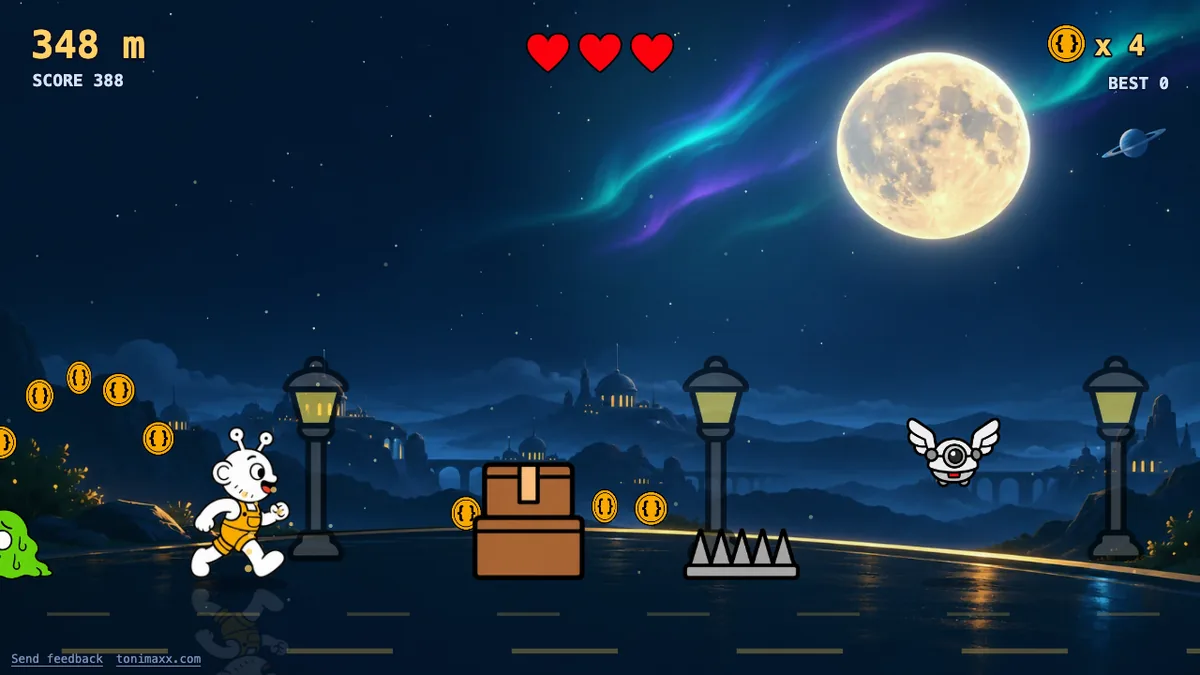
Toni Run is a small endless runner on this site. You run along a night road as the Toni mascot, jump and duck, collect coins and try to reach 1000 m, where a grumpy server called Legacy Code waits. You can play it now and come back, or read first.
What it is made of
One HTML page, one JavaScript file and a folder of images. There is no game engine and no library. The page loads its own files and nothing else. Your best score is kept in your browser and goes nowhere. The page is not indexed and has no analytics.
The whole folder is about 1.4 MB. The code is plain canvas drawing: every frame it clears the screen, updates the game and draws the images.
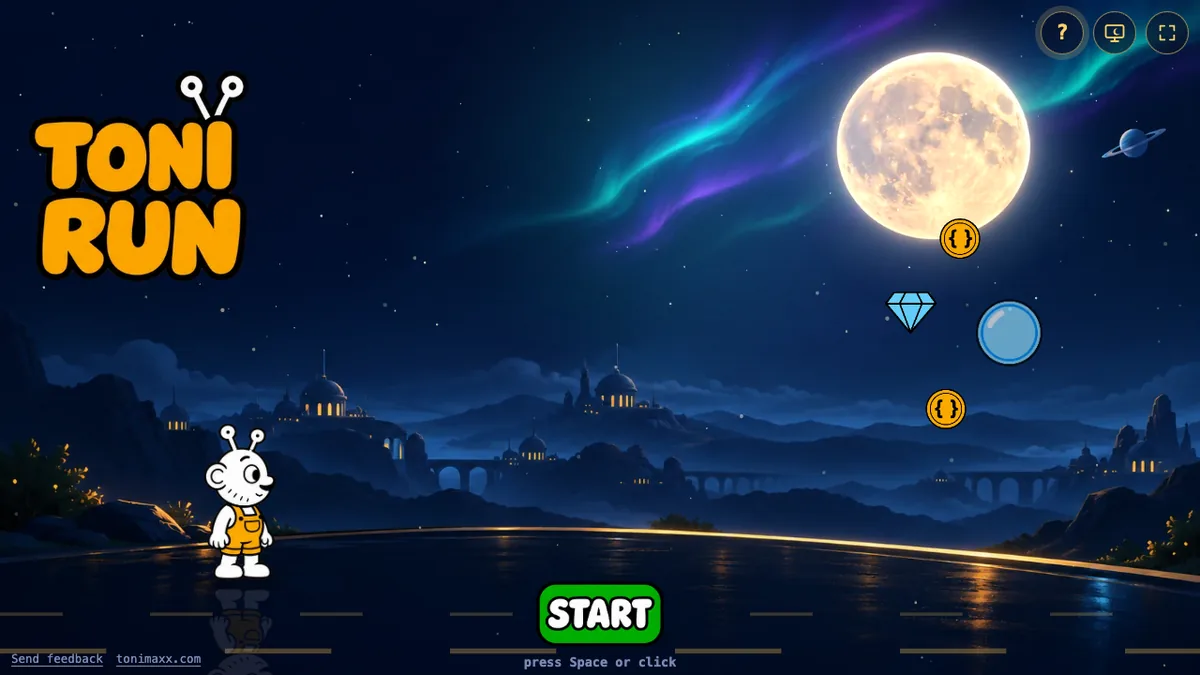
The game has four zones at 0, 250, 500 and 800 m, three hearts, and a boss at 1000 m. You can pick up coins, gems, a rubber duck, hearts, a shield, a magnet, a star, a clock, coffee and a mystery box.
AI-drawn art, cut by a script
I asked ChatGPT for the art. Instead of single pictures, I asked for sheets of nine tiles in a 3 by 3 grid, one item per tile, in a fixed order, so one request gave me a whole set. I made seven sheets: the mascot poses, more mascot poses, the characters, two prop sheets, the menu art and the scenery. I also asked for one extra single frame and one painted night scene for the start screen.
Every prompt started with the same style paragraph: thick black outline, flat colours, no gradients, no shadows. Later sheets asked for a flat magenta background, so I could cut it out. In the end the files came back already transparent, so the script did not need to remove the magenta. It cuts each sheet into nine tiles, deletes tiny specks along the edges, trims each tile and saves a small webp file. That gave 64 sprites and one background image.
I kept every prompt in one file, with the status of each sheet. When a tile came out wrong, I asked for that one tile again and did not redo the sheet.
Two problems came up:
- The run cycle. Running needs two clearly different leg poses. Twice, ChatGPT gave me two almost identical frames. I stopped fighting it and used two frames that are different enough: a wide stride and a high-knee step. Both legs are drawn the same white, so alternating the two frames still reads as running.
- The boss. His hand reached across the grid line into the next tile, so my fixed grid cut it off. I re-cut him from a wider box.
One game, three ways to control it
On a keyboard, Space or Up jumps and Down ducks. On a phone, you tap to jump and swipe down to duck, and swipe up also jumps.
Telling a tap from a swipe is the tricky part, because a finger lands before you know what it will do. The game waits 80 ms. If the finger has moved down by more than 12 pixels in that time, it is a duck, and it lasts as long as you hold your finger down. If not, it is a jump. A slow swipe that arrives late still ducks, though you get a small hop first. It is a compromise, and I have only tested it in an emulated phone, so real thumbs may want small changes.
The third way is no control at all. Add ?saver=1 to the address, or press the monitor icon, and Toni plays by himself. A small bot looks at the next obstacle and jumps or ducks. It misses now and then on purpose, so it does not look perfect. When it loses, it starts again. Any key or click brings you back. I made it for a TV or kiosk screen in fullscreen, but I have not run it on one yet.
Two bugs that taught me something
The shake that never stopped. When you get hit, the screen shakes for a moment. The countdown for that shake lived inside the code that runs while you are playing. After game over, that code stopped, so the shake never counted down to zero. The end screen kept jittering until you pressed a key. The fix was to count down in every mode. The lesson: a timer that belongs to the screen should not live inside a state that can end.
The phone layout that was too small. I scale the menus up on small screens so text stays readable. I worked out the scale from a number that was in device pixels, but I compared it against a number in CSS pixels. On a phone with a sharp screen, the menus kept their desktop size and the layout looked wrong. The fix was to divide by the device pixel ratio. The lesson: name your units, and look at a phone-sized screen early, not at the end.
What is not done
There is no sound yet. Touch is tested in an emulated phone only. If you try it and something feels off, there is a feedback link on the page.
Small, careful details like these are what I care about in any product, from games to mobile apps. I take a project from the first idea to the handover myself, which I wrote about in why one engineer, end to end. If you have an idea and are not sure where to start, I am happy to talk it through.
Book a free consult