 Toni Maxx
Case study / Markdown notes
Sidekick Note case study
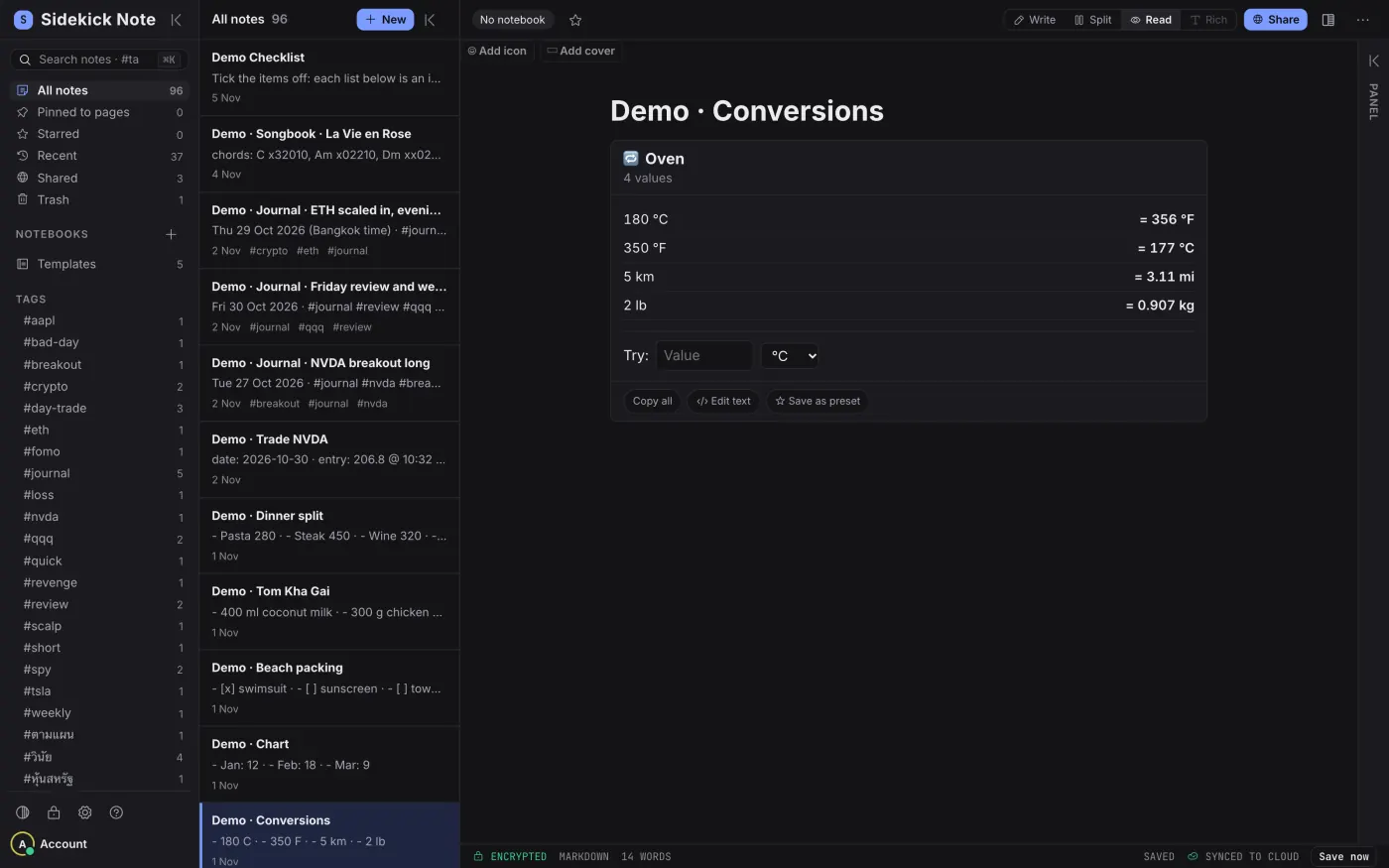
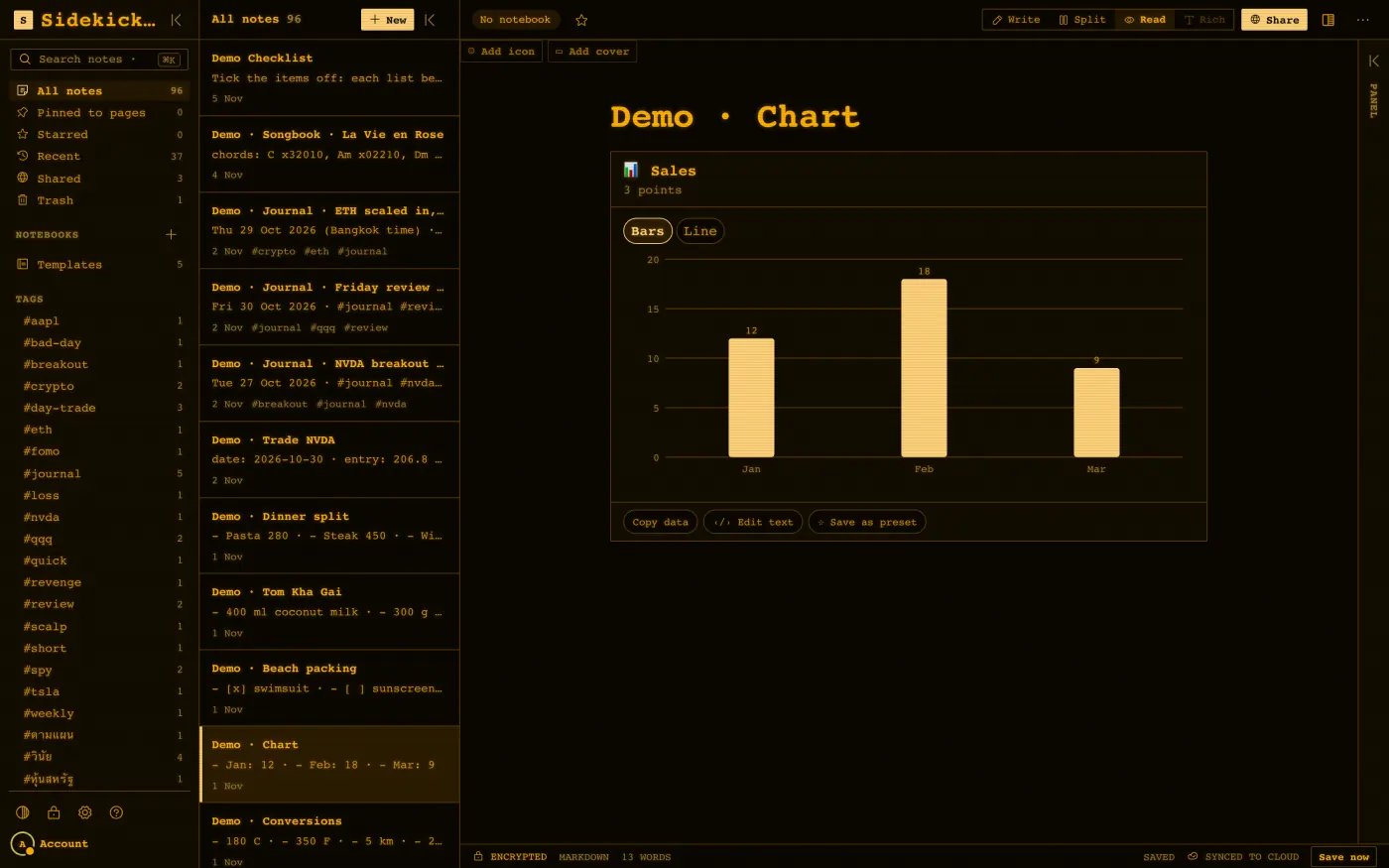
Sidekick Note is a private Markdown note app. Notes can turn into cards such as recipes, checklists, charts and converters. Notebooks can be end-to-end encrypted, and a Chrome side panel keeps notes next to the page you are reading.

- Role
- Web app, browser companion, cards, import
- Stack
- React, Vite, Chrome extension, Firebase
- Screens
- Real app, sample notes
- Product site
- sidekicknote.com
My role
I designed and built the web app, the browser companion and the card system. I also built the import from 15 sources.
The problem
Big note apps have grown into whole workspaces and can feel heavy. Many people, and many developers, want fast plain notes in a format they can take with them. Markdown is portable. A note app should also let a person move in from the app they used before.
The approach
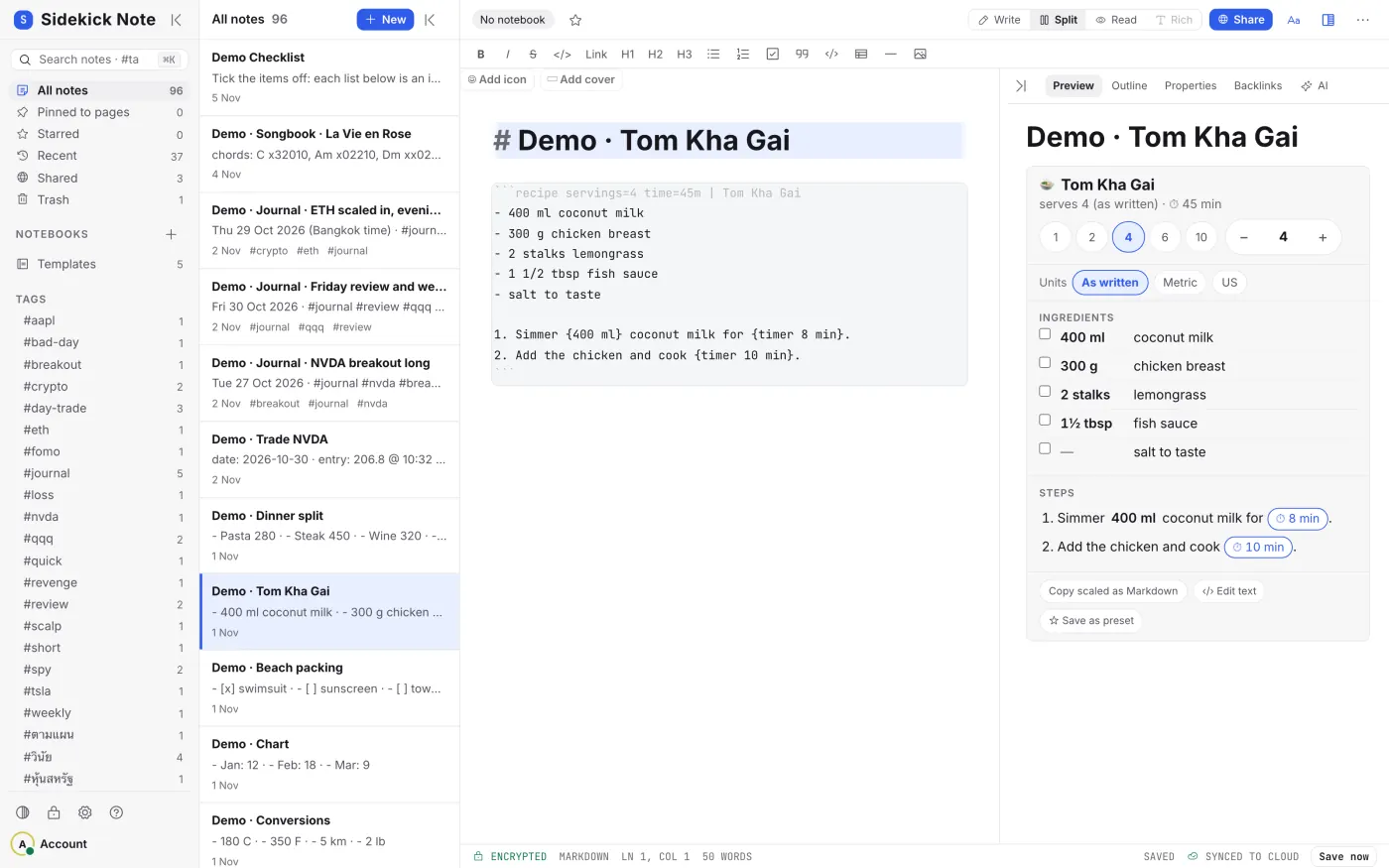
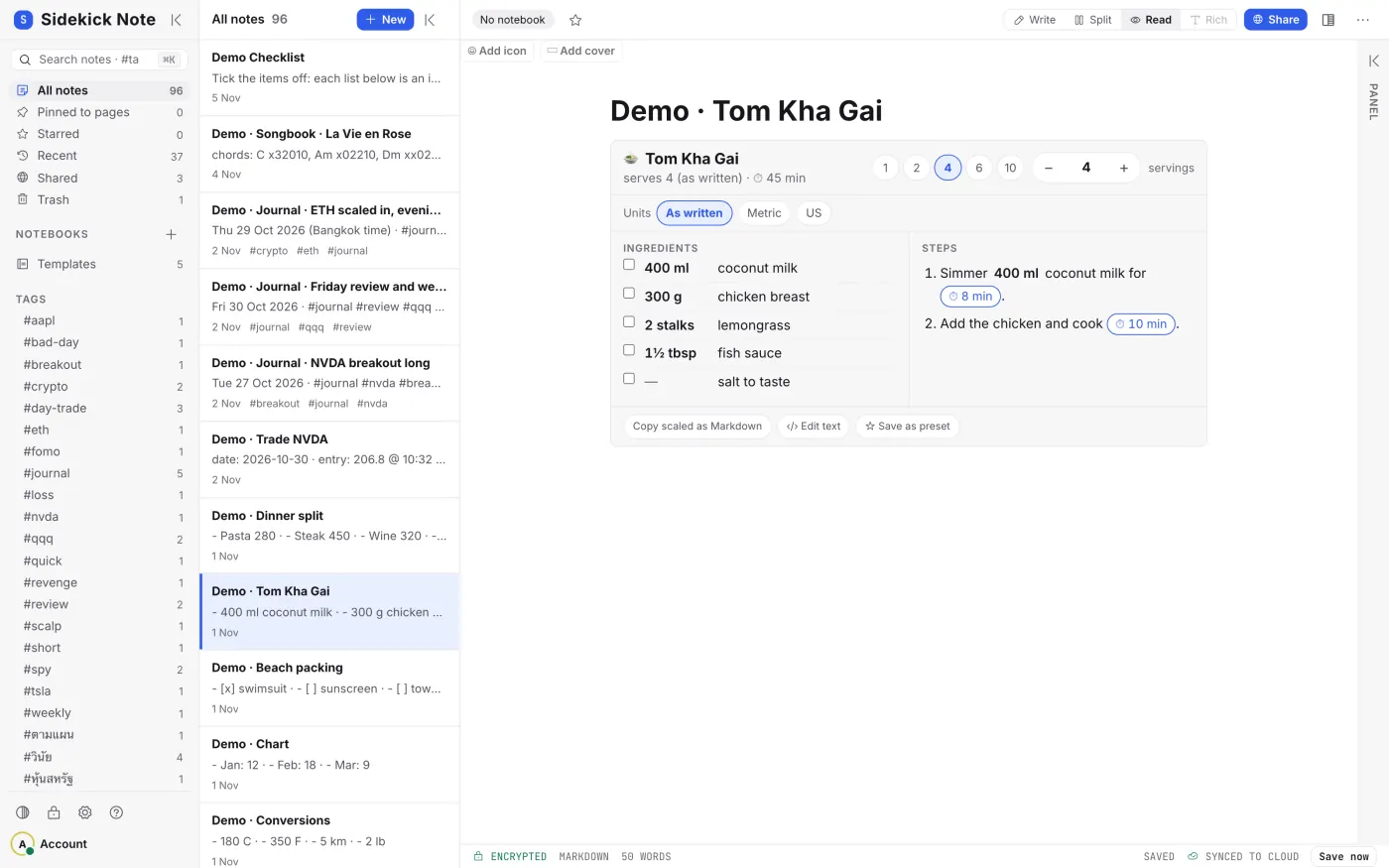
The note is plain Markdown, and the editor shows a live preview. A fenced block in a note can become a card: a recipe with servings and timers, a unit converter, a bar chart. The card is stored as text, so the note stays portable.
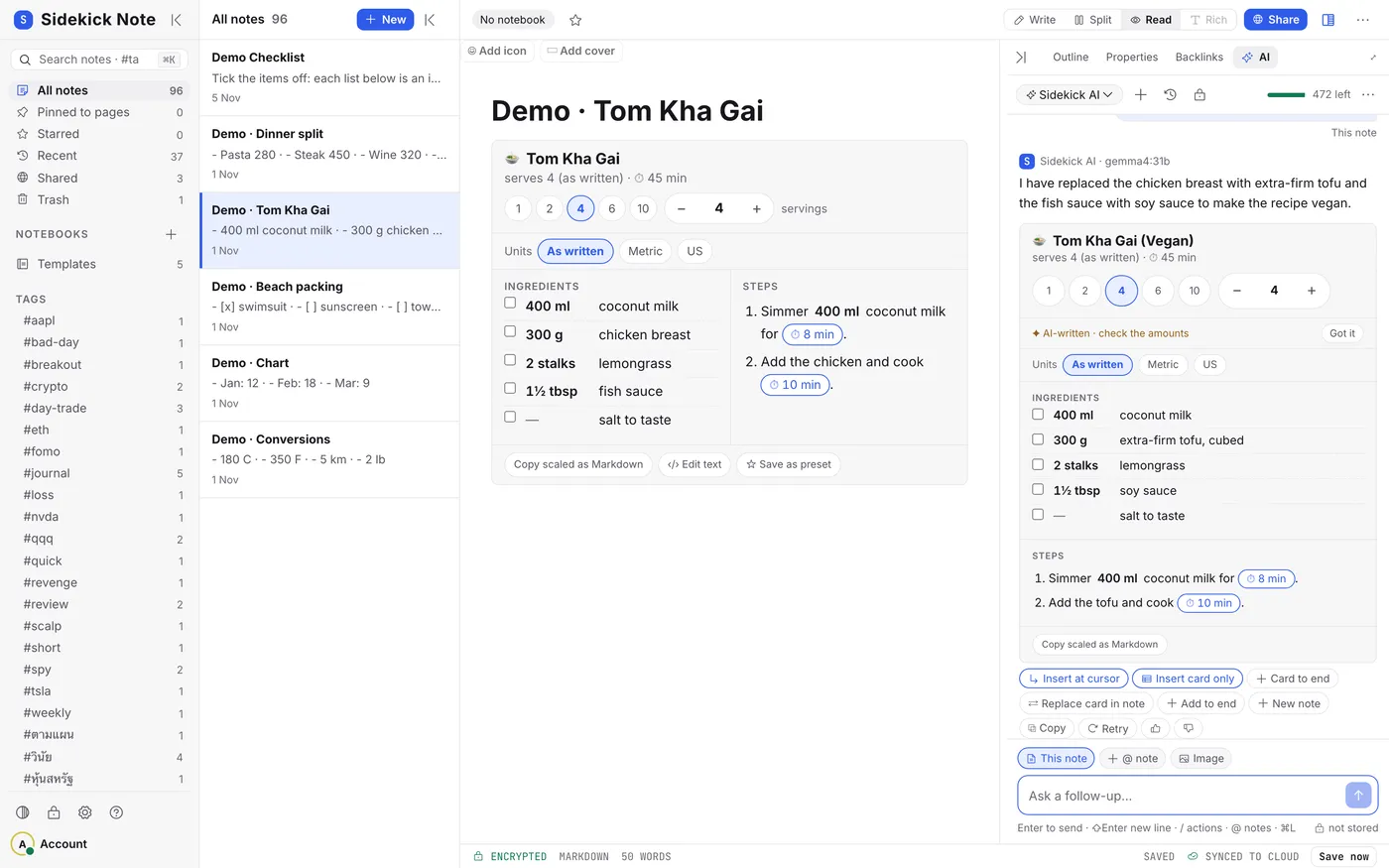
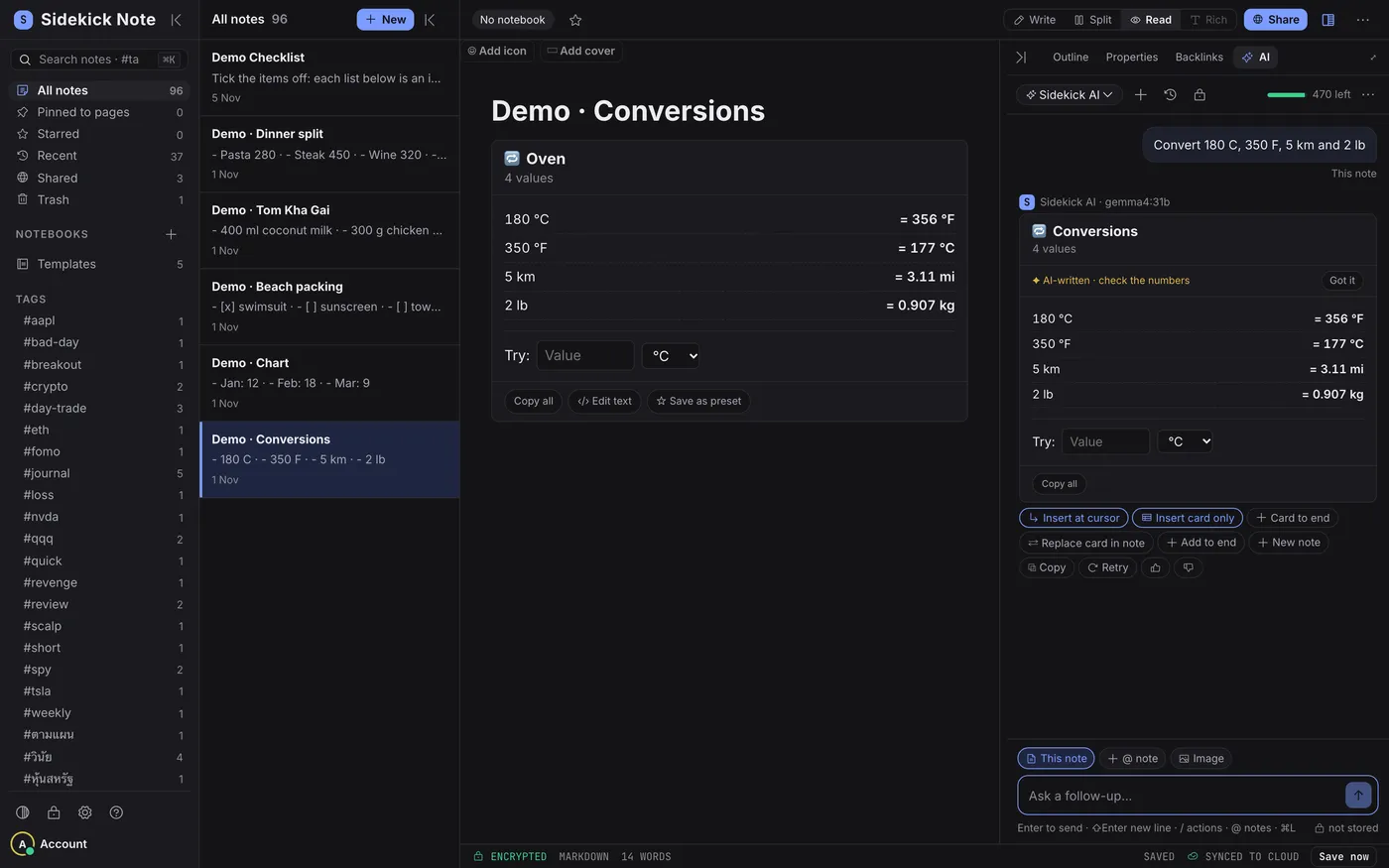
An AI tab can write or change a card on request. Its results are marked as AI-written so the reader checks them. AI can be wrong, and the product says so.
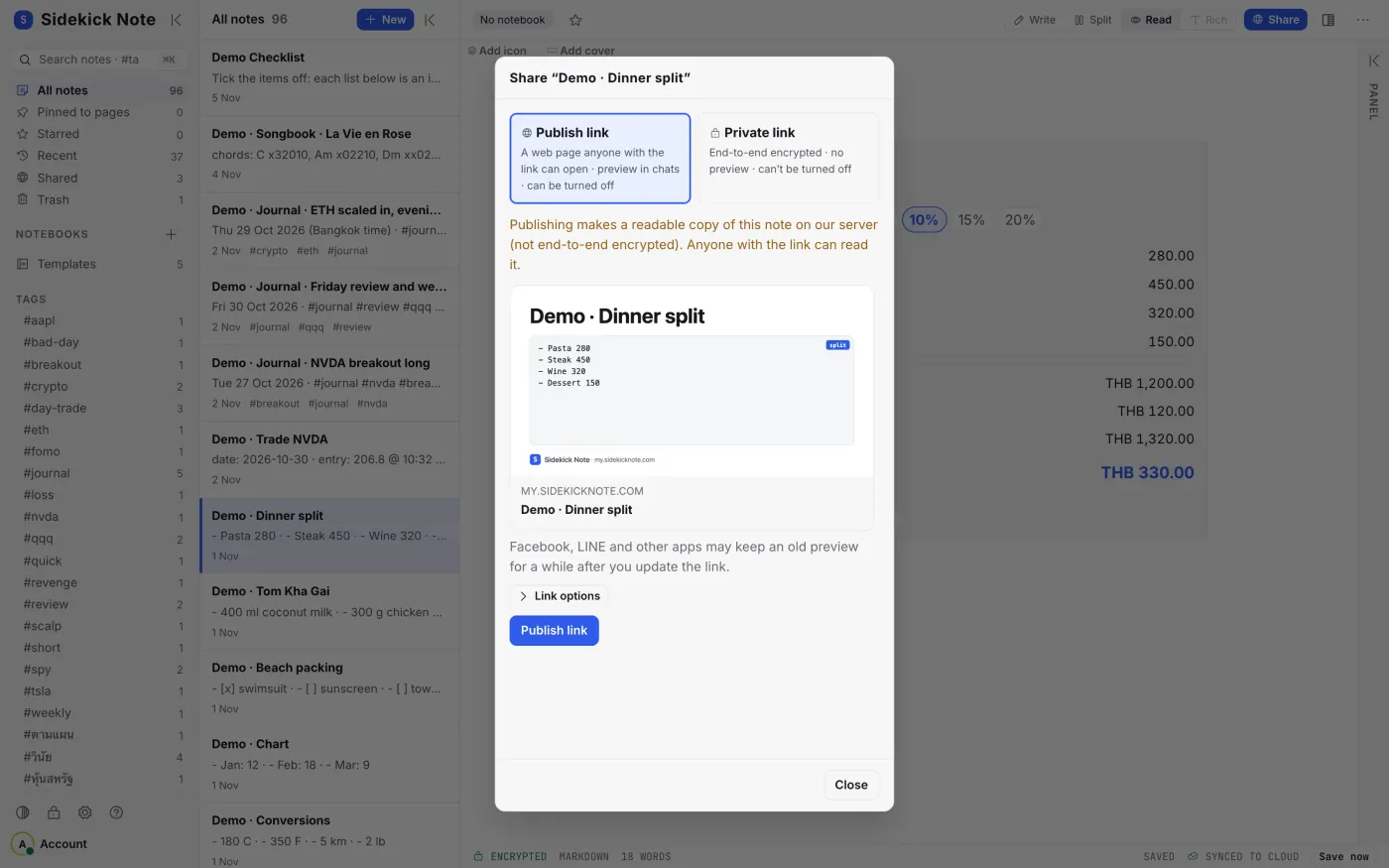
Sharing has two modes. A public publish link is readable by anyone with it. A private link is end-to-end encrypted. The Chrome side panel works beside any web page, so a note does not need a tab of its own.
Import covers 15 sources, so a person can bring notes in from other apps and folders.
Stack
React, Vite, a Chrome extension and Firebase, as listed on the demo page.
Screens
Demo with sample data
Real app, signed in, with sample notes only. The two AI-tab screens are real runs of the built-in AI.
What is public and what is not
Public: the feature list, the stack above, the sample-note screens and the product site at sidekicknote.com.
Not public: any real user's notes, account details and usage numbers. I make no claims about user counts, ratings or store results. Encryption is described as a feature. I do not publish the key design here.
Related pages
Need a notes or content tool?
If you want an app where content is plain text and the interface builds on it, tell me what it should do. I reply with a one-page recommendation first.
Book the free consult