 Toni Maxx
How this website is built and tested
Hand-written templates become static pages. Checks run before every release, and every release can be undone. Here is the system, the numbers and what went wrong.

The template system in one picture
The site has no server-side code at runtime. I write small templates for the head, the menu and the footer, and a Markdown file for each content page. One build script turns them into plain HTML files. Those files are what visitors get.
Menu and footer links live in one data file, so every page gets the same navigation. A page that is not linked from the menu or the footer fails the build. This public roadmap comes from one data file too.
Quality gates
I ask the AI agents for speed and I keep the gates for safety. Nothing ships without these checks.
- Byte parity. Six hand-written pages (home, privacy, terms, the demo hub, its privacy page and the API docs) must build byte for byte the same as a golden baseline. If one byte changes without my say-so, the check stops the release.
- Pixel diff. A page I touch is compared with the old one at 1440, 768 and 390 pixels wide, in light and dark. The difference should be zero except where I meant to change something.
- Behaviour tests. Scripts drive a real browser to test consent, the burger menu, cross-page navigation and the content layouts. The content test opens 20 pages at 1440 and 390 pixels and checks for errors, broken images, sideways scrolling and valid structured data.
- Link crawl and lint. Every internal link must resolve. Titles, descriptions, canonical tags, alt text and image sizes are linted on every build.
- Dry runs. Each group of pages is built once in a temporary folder with the group marked as published, and the same lint runs there. Nothing on disk changes.
Before and after
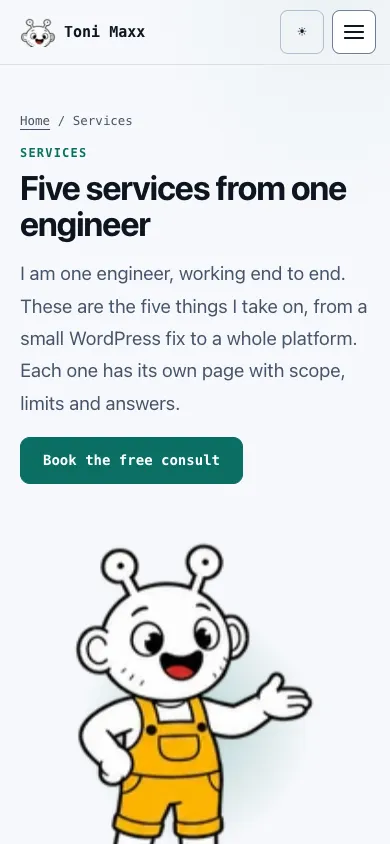
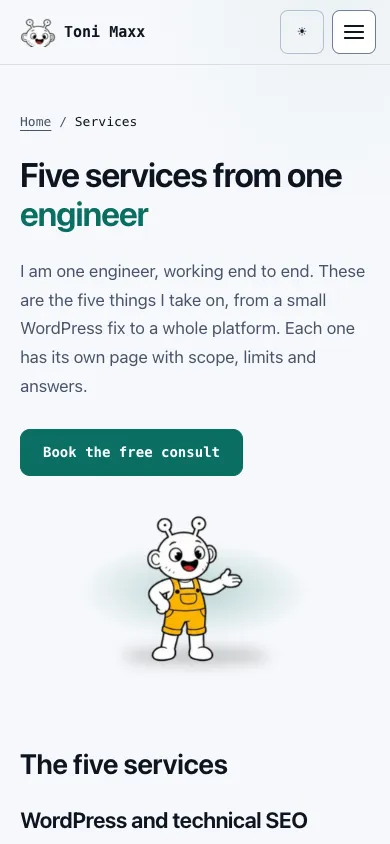
Each pair below is a real step. The first moved the content pages onto the style of the demo hub. The second did the same for a note, and moved the mascot into the hero.
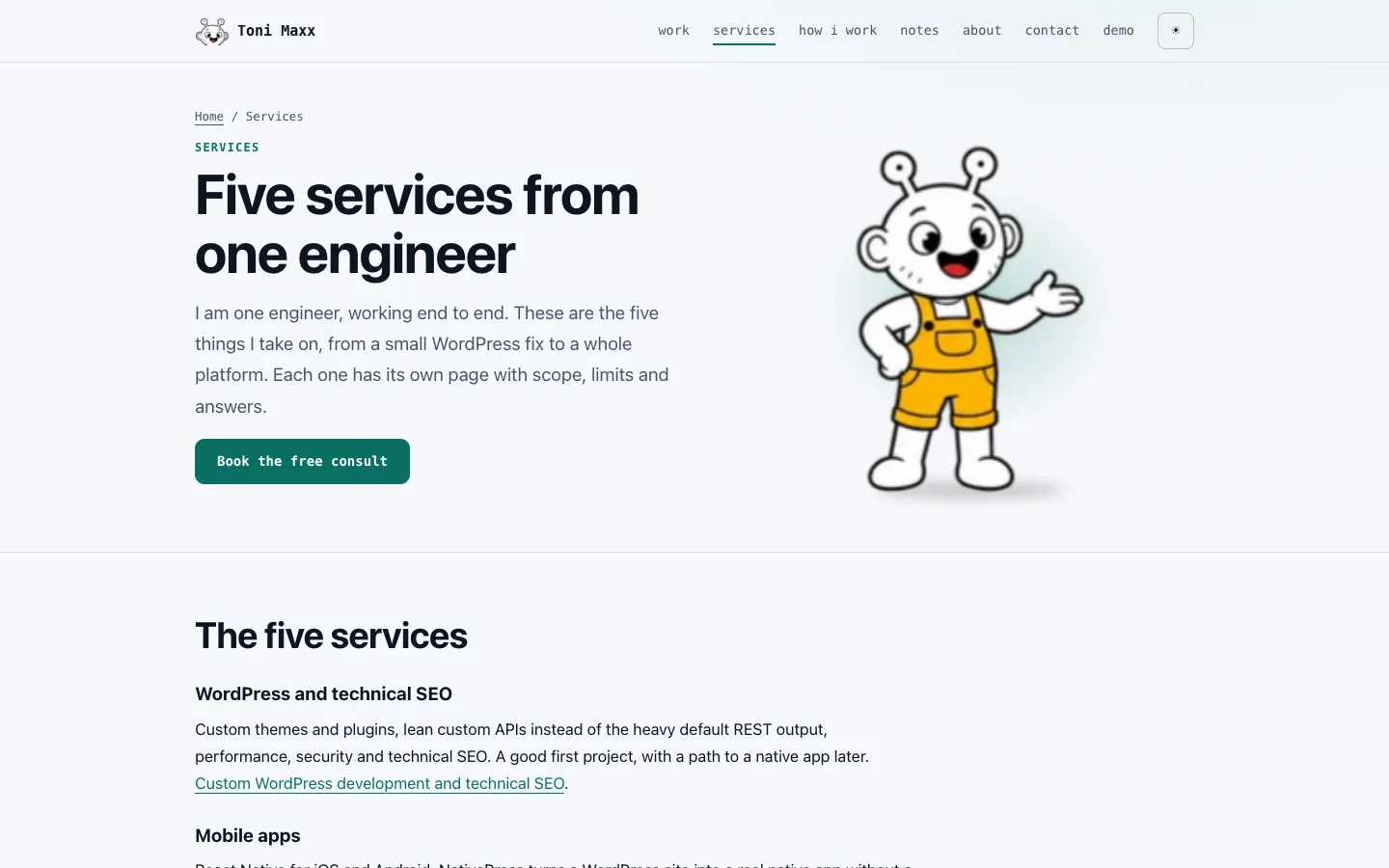
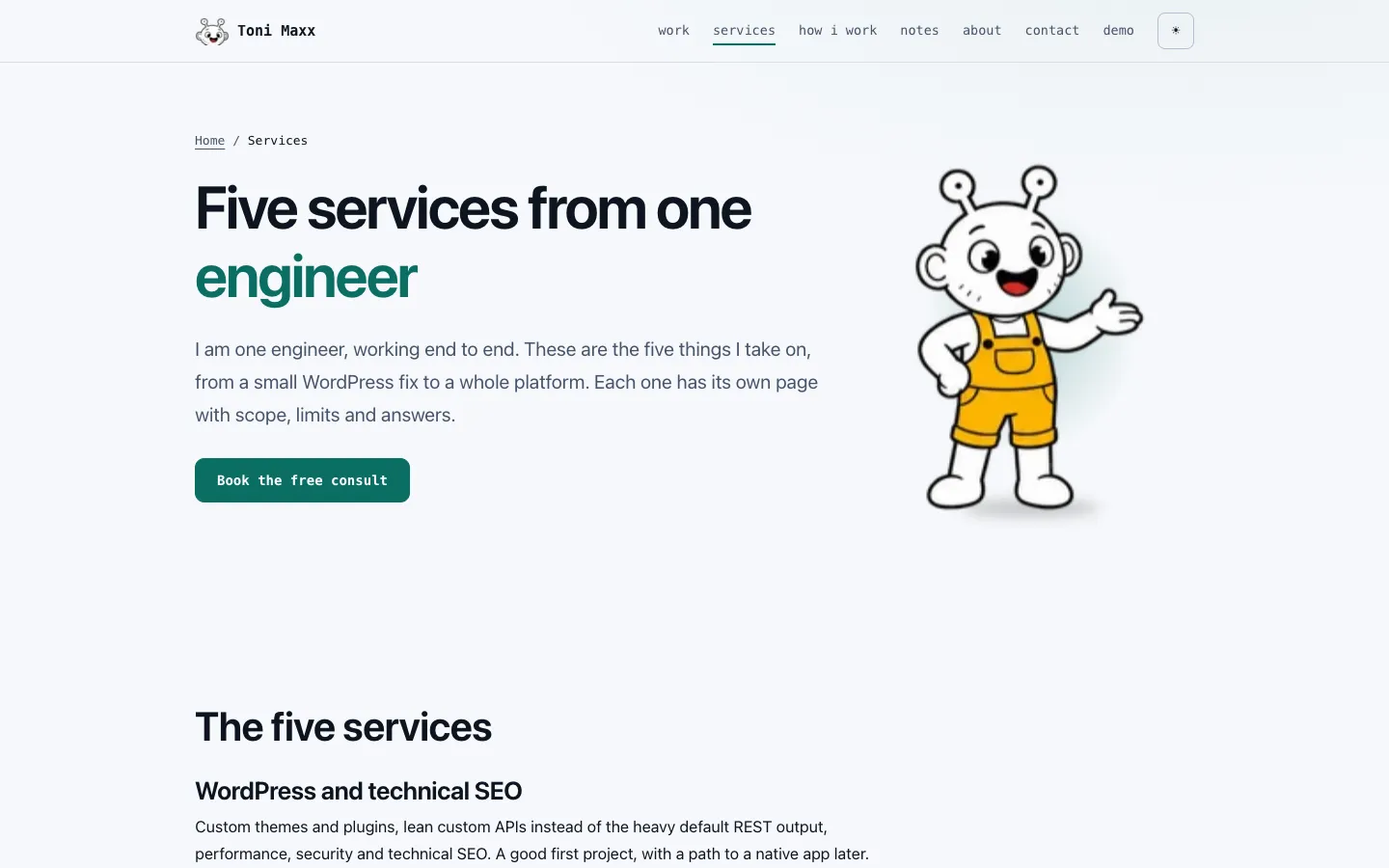
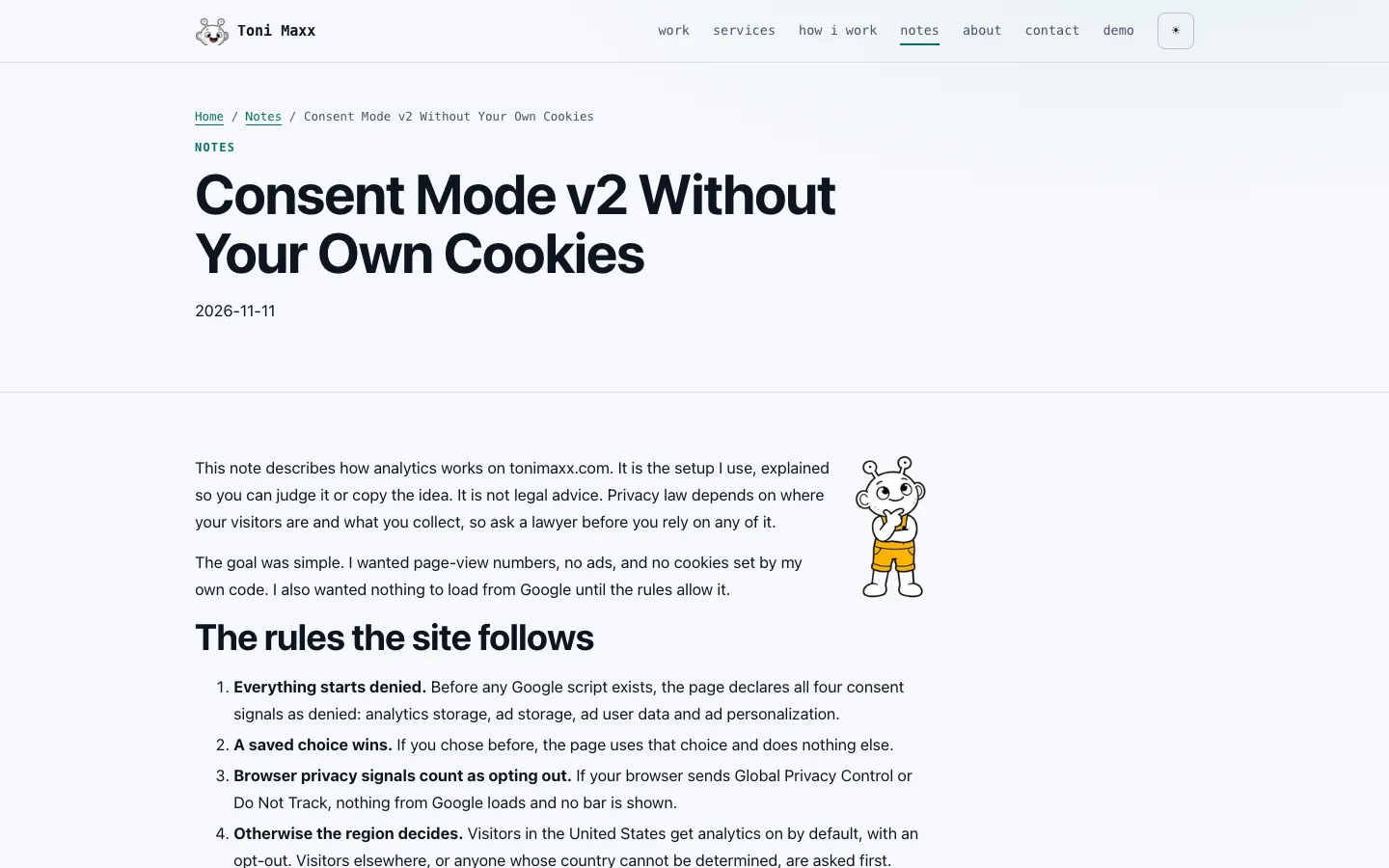
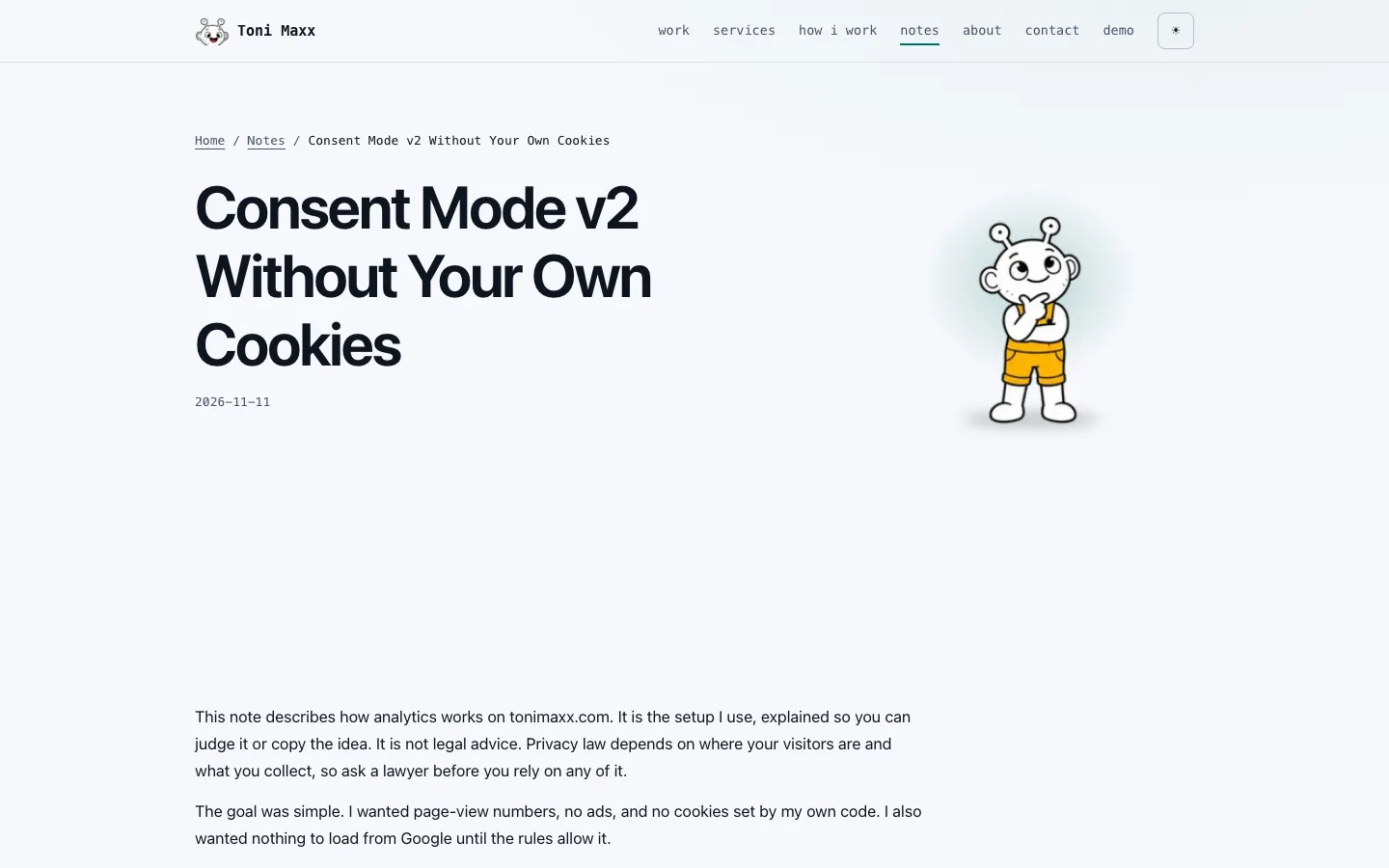
Reversible releases
A release is a short, fixed routine.
- The build and every check must pass. The release tool refuses to run without a fresh pass.
- A dry run shows the exact list of files that will change.
- The tool takes a backup of what it is about to replace.
- It pushes the files and checks the live pages. If a check fails, it rolls back by itself.
- If I find a problem later, one command puts the previous version back.
After a release I open the changed pages on the live site and check the status and the text. I also check that the home page and the demo hub still load.
The SEO checklist, done on this site
These are the steps I applied here. They remove problems. They do not decide where a page ranks.
| Step | What I did | Result |
|---|---|---|
| Compression | gzip for HTML, CSS and JS | Home 25.3 KB to 7.8 KB, demo hub 89.8 KB to 23.5 KB, API docs 180.3 KB to 26.6 KB |
| Caching | 30 days for images, one day for CSS and JS | Repeat visits reuse files |
| Redirects | www to the main host, duplicate home URLs to the real one | One address per page |
| Structured data | One JSON-LD graph for the person and the site, a breadcrumb on every page | Before, three separate id sets described the same person |
| Share images | A card for each content page | A page shows its own preview when shared |
| Sitemap and robots | A generated sitemap and a robots file | Only pages meant for search are listed |
A lab test on a slowed mobile profile gave a largest contentful paint of 516 to 560 ms for the home page, with no layout shift. It is my own lab figure, not what visitors will see. My technical SEO checklist explains the steps.
What went wrong, and what caught it
- Invisible button text. On the light theme, white text sat on a green button, and the page link colour overrode the button colour. A contrast script found it. I fixed it the same day and measured again: 416 button and link states, the lowest contrast ratio 5.76 to 1. Lesson: after a style change, measure contrast in light and dark. Do not trust my eyes.
- A 200 that lied. A request for a file that did not exist still returned 200, because an old catch-all redirect sent it to another page. Lesson: check the final address and the text on the page, not only the status code.
- A page nobody could reach. A new page with no link in the menu or footer is invisible. Lesson: a page is not done until something links to it. The build now fails on it.
- A test that disagrees with itself. The demo hub does not render the same pixels every time in a headless browser. The pixel gate renders it twice per side and takes the closest pair.
Want this kind of care on your site?
Start with the free tech-stack consult. You get a written scope and price before any code, and you keep your accounts, hosting and domain.
Book the free consult