 Toni Maxx
Making of / mascot
How a small character got 34 poses.
This is the story of the little character on my site: how I drew him with an AI tool, what went wrong, and how the poses became a small library I can use on any page.
1 / Meet the character
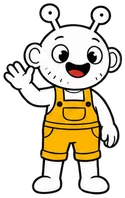
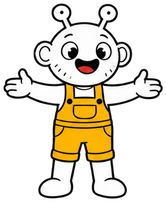
White, round, curious.
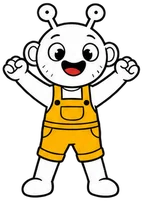
Two antennae with eyeballs. Big round ears. Stubble dots on the chin. Yellow overalls with a chest pocket.
I wanted a face for a one-person software studio. Friendly, not a stock icon. Something people remember after the page is closed.
2 / Sheet A, 9 Nov
One sheet, nine poses.
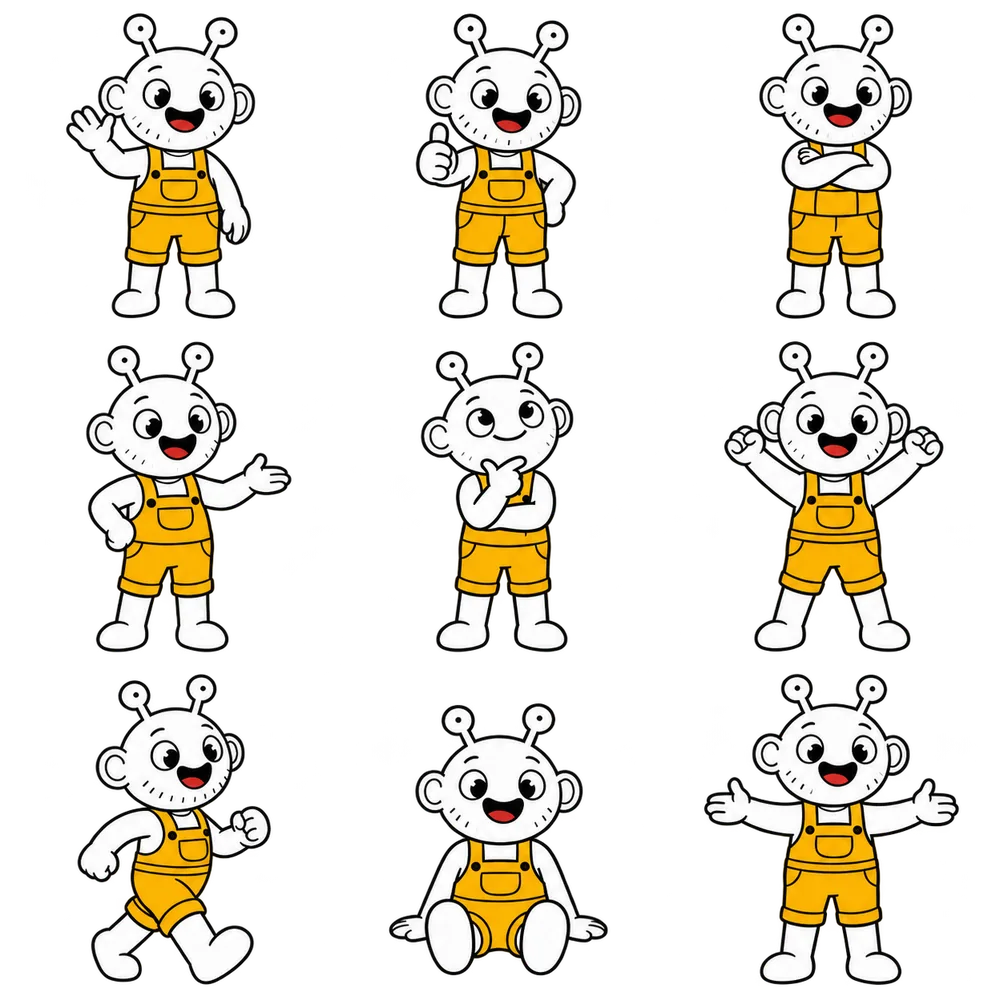
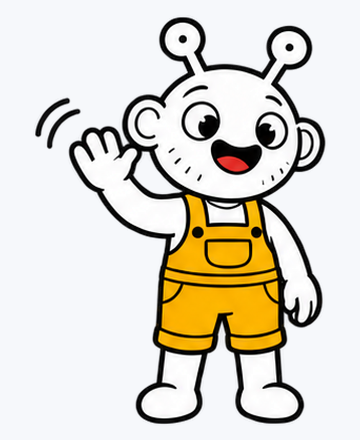
I started with a single sheet: nine poses in a 3x3 grid, drawn in one go with ChatGPT image generation, on a transparent background.
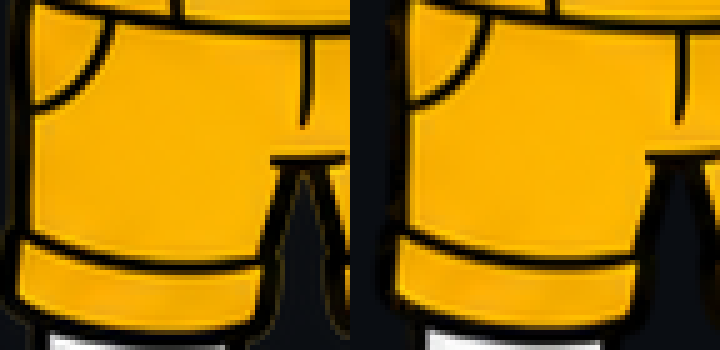
The edges had small yellow and red specks, a halo left over from background removal. I kept the original and cleaned the cut later (chapter 5).
Five of the nine poses are already on my demo page: wave, thumbs-up, cheer, sitting and arms open.
3 / Sheets B, C and D, 11 Nov
A prompt that locks the character.
For every new sheet I started a new chat and attached sheet A as the style reference. The prompt says what must never change: same head, same overalls, same thick outline, flat colours, no shadows, no text.
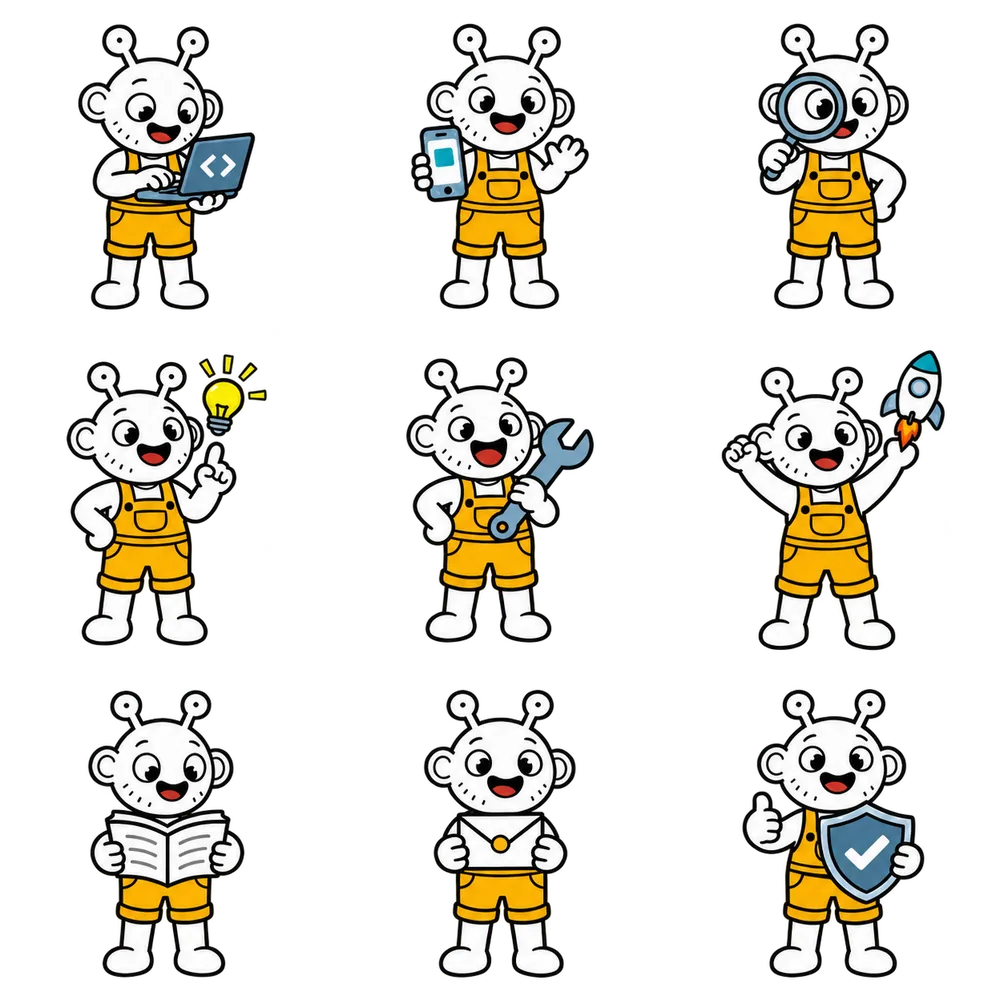
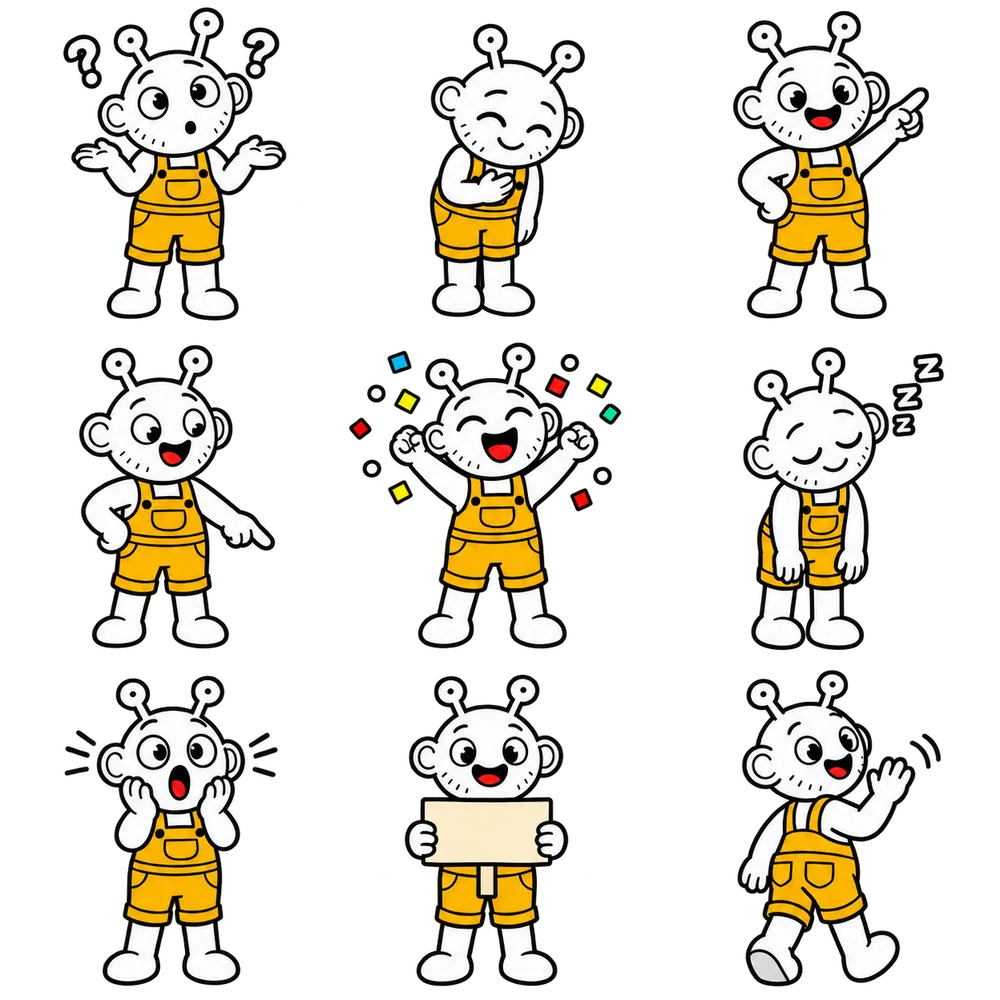
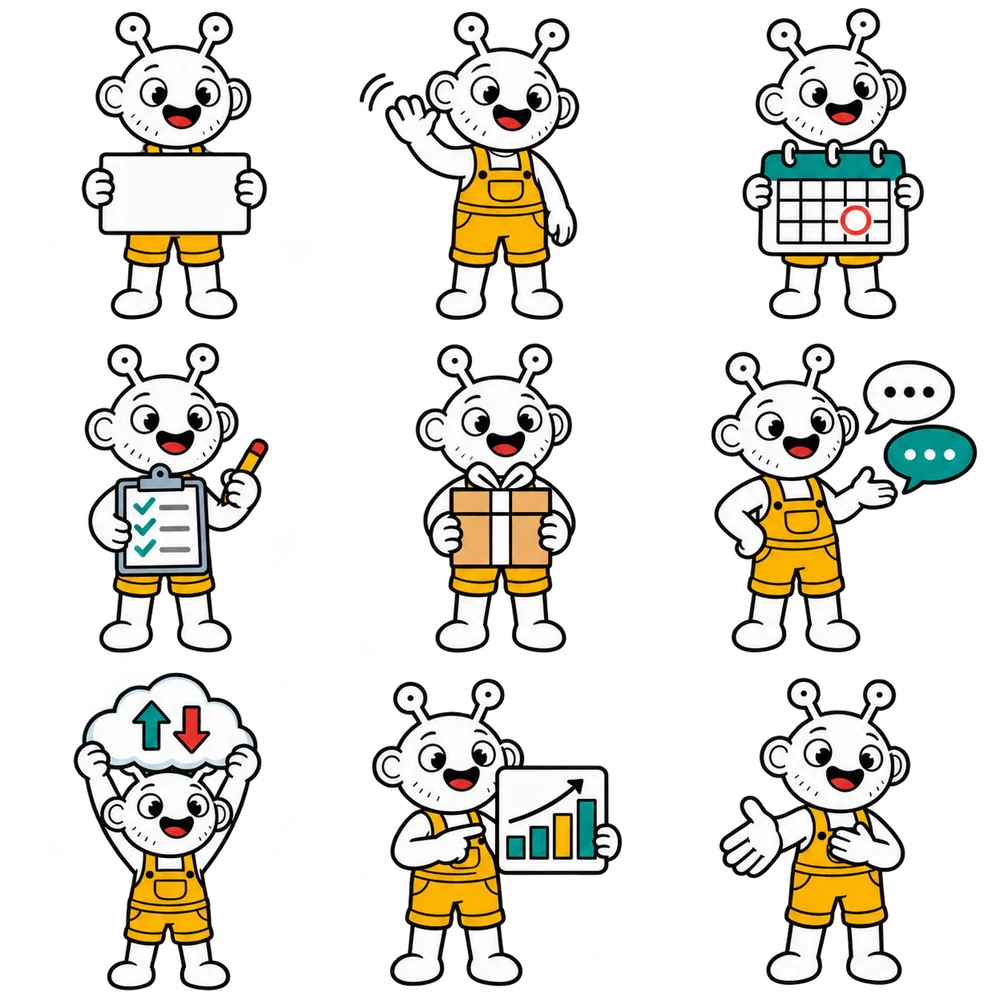
Sheets B and C first came back on a flat magenta background, so my own tool could cut them out cleanly. Then I got transparent masters of the same drawings. I used those.
Here is the style-lock part of the prompt. The per-pose descriptions stay private.
4 / When AI got it wrong
Two poses failed. I redrew them.
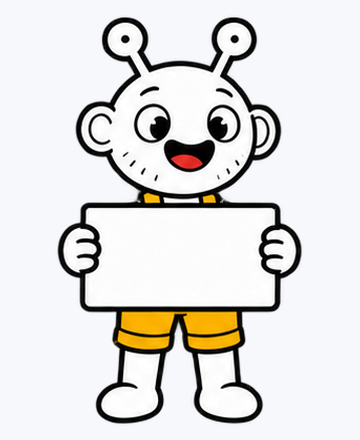
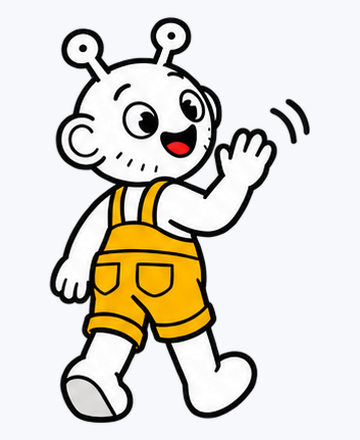
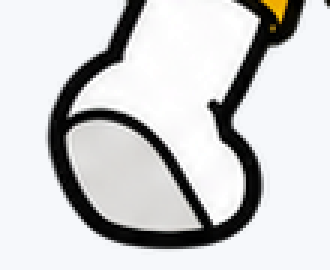
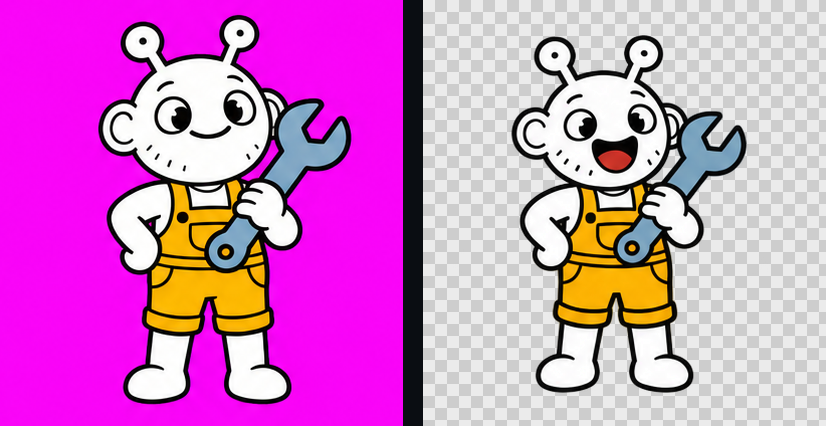
On sheet C, the sign had its stick across the shorts and a cream colour, and the goodbye pose had one boot with a grey sole and a torso that looked too long. In the magenta version of sheet B, the wrench pose had a closed mouth.
I did not patch them. I asked again: sheet D redrew the sign and the goodbye as D1 and D2, and added seven new poses. Two small things I accepted: on D7 the cloud hides the antenna eyeballs, and on D9 the open hand points sideways.
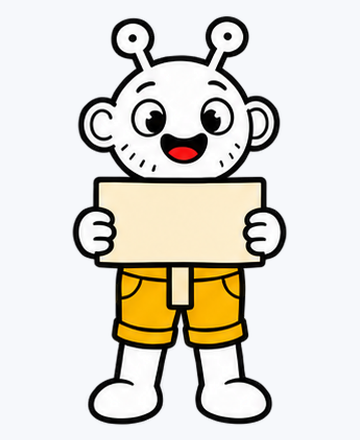
The boot, zoomed 3x.
5 / From sheet to library
One script turns nine poses into clean files.
- Cut by the empty bands Not fixed 418 px cells. The cut lines sit in the middle of the empty bands between poses. 2 bands per direction, every sheet
- Normalise alpha Pixels at 250 to 254 become fully opaque; soft edge pixels stay soft. about 396k pixels on sheet B alone
- Remove dust Faint specks (alpha under 40%, under 200 px) are dropped, and on sheet A the tiny yellow and red specks too. 36 poses cleaned
- De-fringe the edges Soft edge pixels take the outline colour, so no halo shows on dark or light pages. 0 magenta pixels left
- Equal head size Each pose gets a scale factor so heads match when placed side by side. reference head 183 px, scale 0.9 to 1.2
- Baseline for the shadow The feet row is stored, so the ground shadow sits right under every pose. 35 of 36 have a baseline
- Export for the web WebP with alpha: half size and full size. 7 to 13 KB and 15 to 25 KB
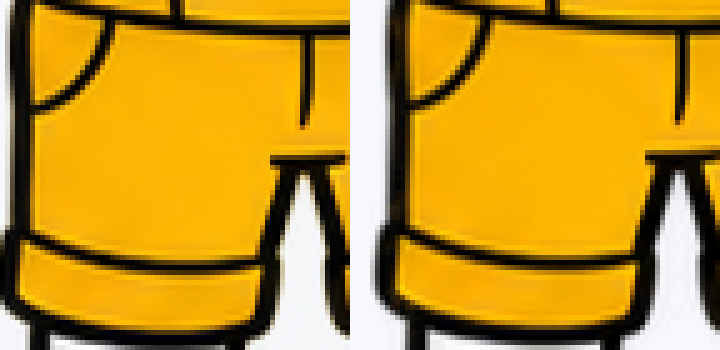
The fringe, zoomed 5x
Original cut on the left, cleaned cut on the right. Same pixels, on a dark page and on a light page.

6 / Poses at work
The props do the talking.
Pick a pose. Each one has a page it was made for.
B1 Typing on a laptop. Used on: /services/wordpress-development/ hero; /demo/api/ hero (proposed)
7 / The library
All 34 poses.
Filter by mood or page. Click a pose for the large view and where it is used.
8 / Numbers
The library in numbers.
Sheet A: nine poses generated with ChatGPT image generation (transparent PNG with slightly fringed edges).
Five poses go on the demo page (wave, thumbs-up, cheer, sitting, arms open). Sitting versus standing is measured on a 390 px phone: +175 px versus +143 px of hero height; sitting is chosen.
Prompts written. Sheets B (work and tools) and C (states) generated on a flat magenta background, then re-delivered as transparent masters. B5 now has an open smile.
Two poses fail review (C8 sign, C9 goodbye). Sheet D redraws them as D1 and D2 and adds seven more poses.
Library closed: 34 usable poses out of 36 cuts. Cutting, cleaning and web export run by one script.
Sitting or standing on the phone?
On a 390 px wide phone, the sitting pose makes the demo hero 175 px taller than before; the standing wave makes it 143 px taller. I chose sitting: calmer, more grounded.
Mascot images © Toni Maxx. Not for reuse without permission.
Drawn as 3x3 sheets with an AI image tool (ChatGPT image generation), then cut, cleaned and organised by me.